scrollbar-gutter
scrollbar-gutter CSS 屬性允許作者為捲軸保留空間,從而在內容增長時防止不必要的佈局變化,同時在不需要滾動時避免不必要的視覺效果。
元素的 捲軸槽 是內邊框邊緣和外邊距邊緣之間的空間,瀏覽器可以在其中顯示捲軸。如果不存在捲軸,則槽將作為內邊距的延伸進行繪製。
瀏覽器確定是使用經典捲軸還是疊加捲軸。
- 經典捲軸總是放置在槽中,存在時會佔用空間。
- 疊加捲軸放置在內容之上,而不是在槽中,並且通常是部分透明的。
語法
css
/* Initial value */
scrollbar-gutter: auto;

/* "stable" keyword, with optional modifier */
scrollbar-gutter: stable;
scrollbar-gutter: stable both-edges;

/* Global values */
scrollbar-gutter: inherit;
scrollbar-gutter: initial;
scrollbar-gutter: revert;
scrollbar-gutter: revert-layer;
scrollbar-gutter: unset;
值
auto-
初始值。當
overflow為scroll時,或者當overflow為auto且盒子溢位時,經典捲軸會建立一個槽。疊加捲軸不佔用空間。 stable-
當使用經典捲軸時,如果
overflow是auto、scroll或hidden,即使盒子沒有溢位,槽也會存在。當使用疊加捲軸時,槽將不會存在。 both-edges-
如果盒子內聯起始/結束邊緣之一上存在槽,則在相對邊緣也會存在一個槽。
正式定義
正式語法
scrollbar-gutter =
  auto                   |
  stable && both-edges?
示例
以下示例展示了 scrollbar-gutter 屬性的不同值如何影響包含一個或多個段落的可滾動 div 元素 (.container)。
注意:在示例的影像中,使用者的系統設定設定為經典捲軸(始終顯示)。
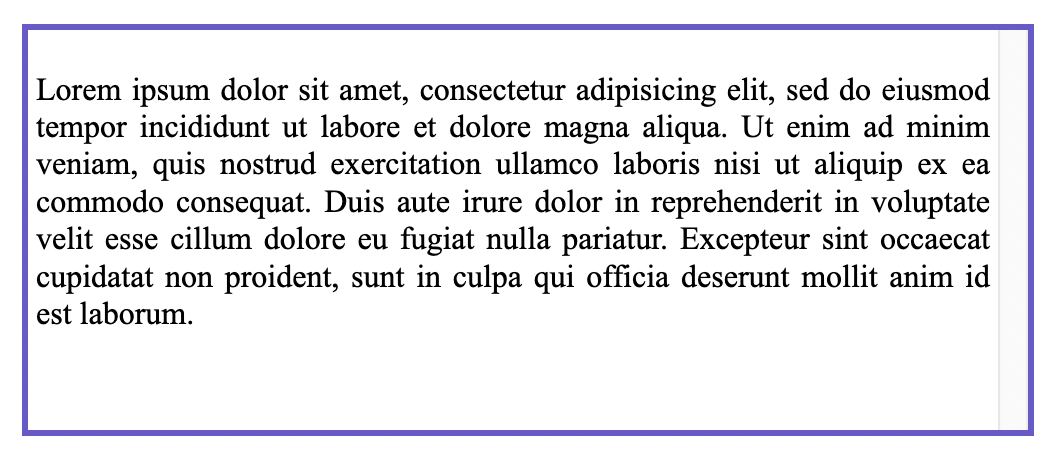
示例 1
當內容增長或縮小時,捲軸的出現/消失會導致不必要的佈局變化,透過為它保留空間來防止這種情況。
css
.container {
  scrollbar-gutter: stable;
}
示例 2
在盒子的兩側新增對稱間距,使內容居中。
css
.container {
  scrollbar-gutter: stable both-edges;
}

示例 3
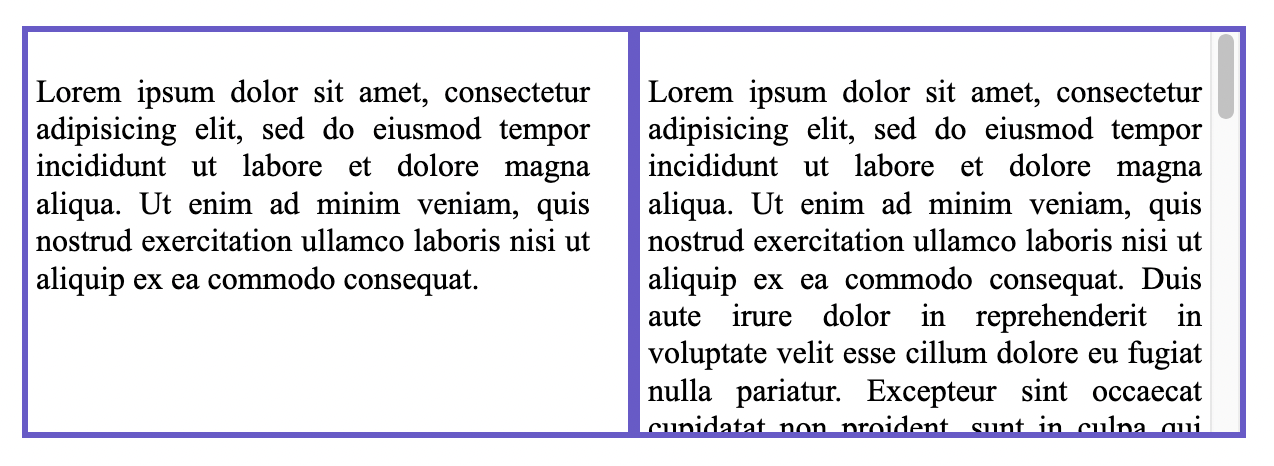
對齊非滾動元素和與其相鄰的滾動元素的內容:此示例並排顯示兩個 div。左側的沒有捲軸,但右側的有。兩者都應用了 scrollbar-gutter,這也為左側沒有可滾動內容的 div 保留了空間。這是一種保持內容寬度一致性的好技術。
css
.container1 {
  overflow: hidden;
  scrollbar-gutter: stable;
}

.container2 {
  scrollbar-gutter: stable;
}
疊加捲軸
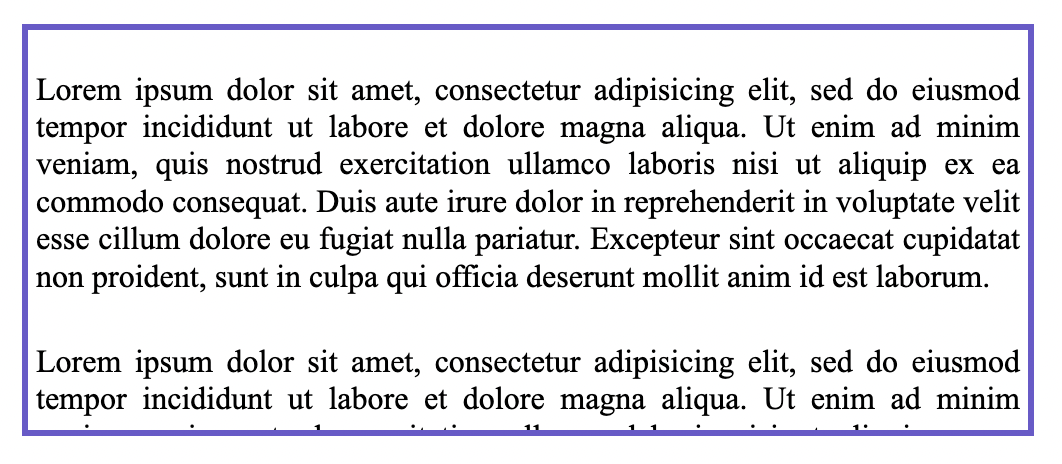
作為參考,此影像顯示了與上面相同的 div,但使用者的系統設定設定為疊加捲軸。請注意,這裡的捲軸只會在使用者滾動時顯示在內容之上,因此不為其保留空間,並且 scrollbar-gutter 屬性不起作用。
規範
| 規範 |
|---|
| CSS 溢位模組第 3 級 # scrollbar-gutter-property |
瀏覽器相容性
載入中…