帶徽章的列表組
在本教程中,我們將建立一個帶有徽章的列表組模式,徽章用於指示計數。
依賴項
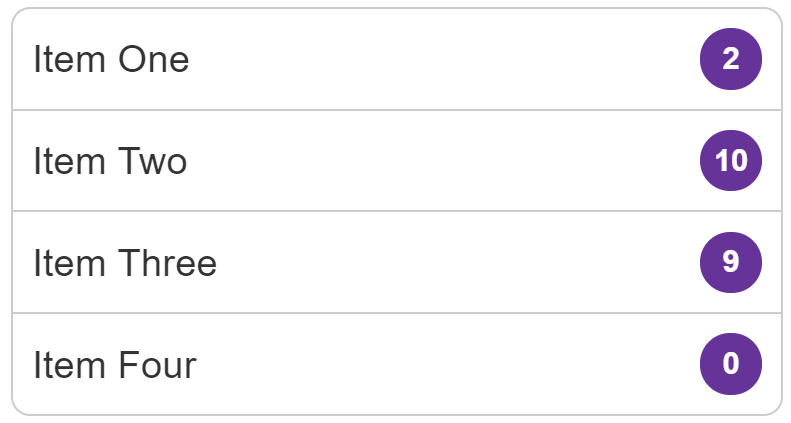
列表項應與徽章一起顯示。徽章應右對齊並垂直居中。無論內容是單行文字還是多行文字,徽章都必須垂直居中。
示例
點選下面程式碼塊中的“Play”按鈕,在 MDN Playground 中編輯示例。
html
<ul class="list-group">
  <li>
    Item One
    <span class="badge">2</span>
  </li>
  <li>
    Item Two
    <span class="badge">10</span>
  </li>
  <li>
    Item Three
    <span class="badge">9</span>
  </li>
  <li>
    Item Four
    <span class="badge">0</span>
  </li>
</ul>
css
body {
  font: 1.2em / 1.5 sans-serif;
  padding: 0;
  margin: 1em;
}
.list-group {
  list-style: none;
  margin: 0;
  padding: 0;
  border: 1px solid #cccccc;
  border-radius: 0.5em;
  width: 20em;
}

.list-group li {
  border-top: 1px solid #cccccc;
  padding: 0.5em;
  display: flex;
  justify-content: space-between;
  align-items: center;
}

.list-group li:first-child {
  border-top: 0;
}

.list-group .badge {
  background-color: rebeccapurple;
  color: white;
  font-weight: bold;
  font-size: 80%;
  border-radius: 10em;
  min-width: 1.5em;
  padding: 0.25em;
  text-align: center;
}
已做出的選擇
Flexbox 使這種特定模式變得簡單,並且也便於更改佈局。
為確保文字和徽章正確對齊,我使用 justify-content 屬性,其值為 space-between。這會將所有額外空間放置在專案之間。在即時示例中,如果您刪除此屬性,您會看到徽章移動到文字較短的專案中文字的末尾。
為了水平對齊內容,我使用 align-items 屬性在交叉軸上對齊文字和徽章。如果您希望徽章與內容的頂部對齊,請將其更改為 align-items: flex-start。