基礎佈局理解

如果您已經完成了本模組,那麼您已經掌握了當前 CSS 佈局以及舊版 CSS 的基本知識。本任務將透過開發一個使用各種技術的簡單網頁佈局來測試您的某些知識。

先決條件 在嘗試本評估之前,您應該已經完成本模組中的所有文章。
目標 測試對 CSS 佈局方法的理解,包括 flexbox、網格、浮動和定位。

起點

您可以從這裡下載 HTML、CSS 和一套六張影像。

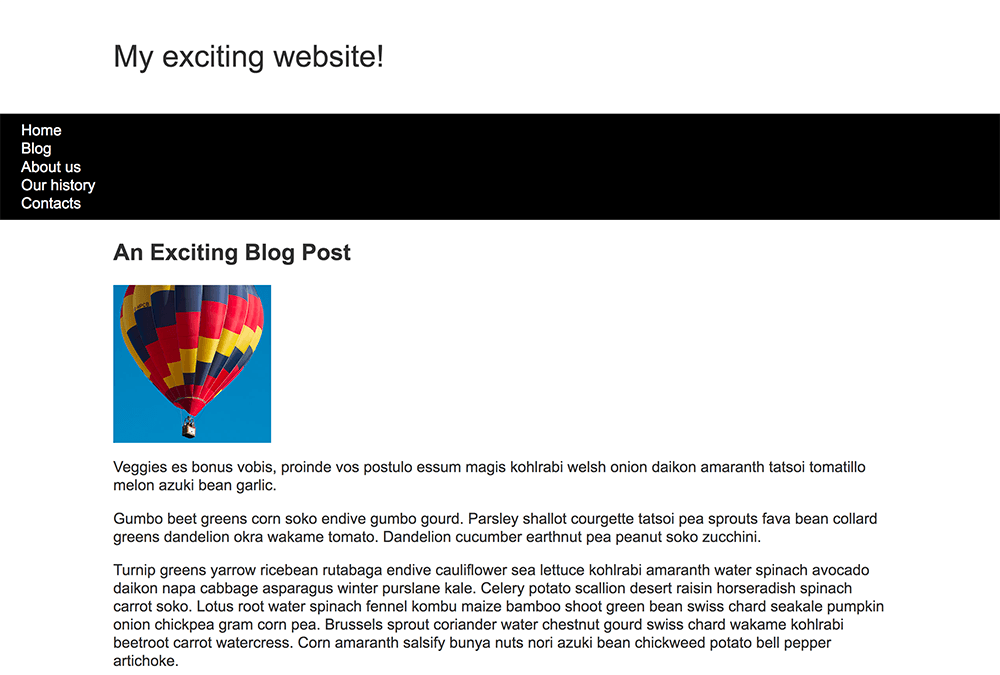
將 HTML 文件和樣式表儲存到計算機上的目錄中,並將影像新增到名為 images 的資料夾中。在瀏覽器中開啟 index.html 檔案應該會顯示一個具有基本樣式但沒有佈局的頁面,這應該與下面的影像類似。

Starting point of the layout task. The elements are not laid out neatly. There is a website title, above a black nav bar with 5 links flush left, followed by the blog post title and post content. Between the blog title and blog content there is a photo that is flush left.

此起點包含瀏覽器在正常流中顯示的佈局的所有內容。

或者,您可以使用線上編輯器,例如CodePenJSFiddleGlitch。如果您使用線上編輯器,則需要上傳影像並替換 src 屬性中的值以指向新影像位置。

注意:如果您遇到困難,可以聯絡我們中的任何一個溝通渠道

專案簡要

您已獲得一些原始 HTML、基本 CSS 和影像 — 現在您需要為設計建立一個佈局。

您的任務

您現在需要實現您的佈局。您需要完成的任務是

  1. 將導航專案以一行顯示,專案之間留有等量的空間。
  2. 導航欄應隨著內容滾動,當它到達視窗頂部時應固定在視窗頂部。
  3. 文章中的影像應該有文字環繞在它周圍。
  4. <article><aside> 元素應該顯示為兩列布局。列應為靈活大小,因此如果瀏覽器視窗縮小,列將變窄。
  5. 照片應該顯示為兩列網格,影像之間留有 1 畫素的間隙。

提示和技巧

您無需編輯 HTML 即可實現此佈局,您應該使用的技術是

  • Flexbox
  • 網格
  • 浮動
  • 定位

您可以透過多種方式完成其中一些任務,而且通常沒有單一正確或錯誤的方式。嘗試幾種不同的方法,看看哪種效果最好。在您嘗試的過程中做筆記。
示例

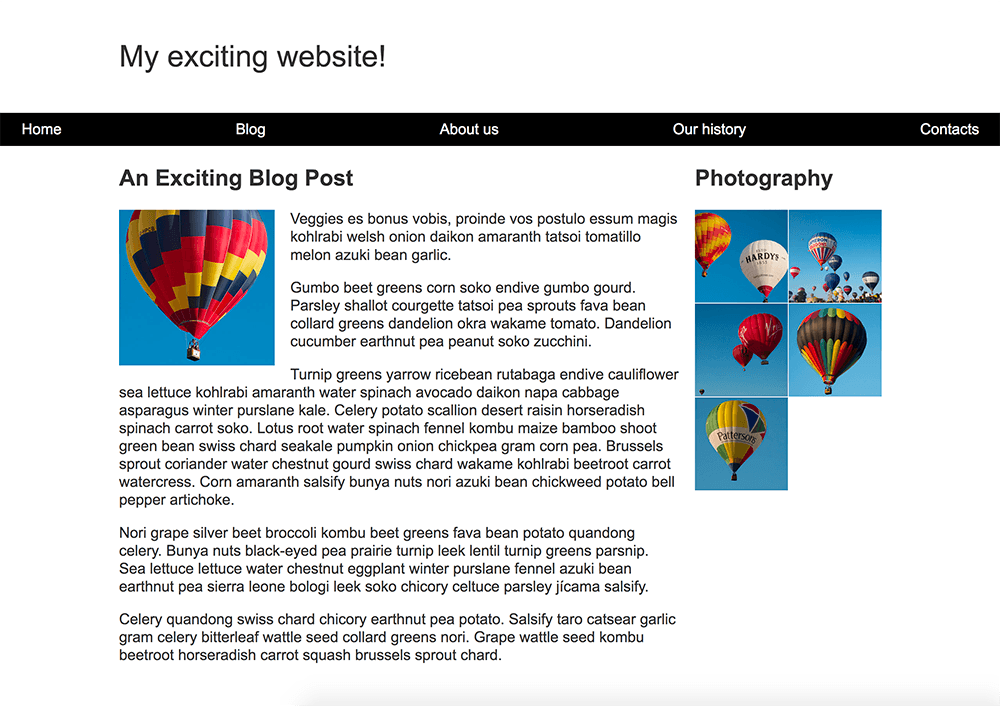
以下螢幕截圖顯示了設計完成的佈局示例

Finished layout task website. The elements are laid out neatly. There is a website title, above a black nav bar containing 5 equally spaced links. Below the nav bar, there are two sections. On the left there is a blog post: A blog post title followed by the post content. The blog content wraps around a photo that is flush left. On the right side there is a 'photography' title about a group of images laid out in a two-image wide grid.